Protected content ahead.
Please reach out for access.
Overview
Jump to
Overview
Jump to ↓
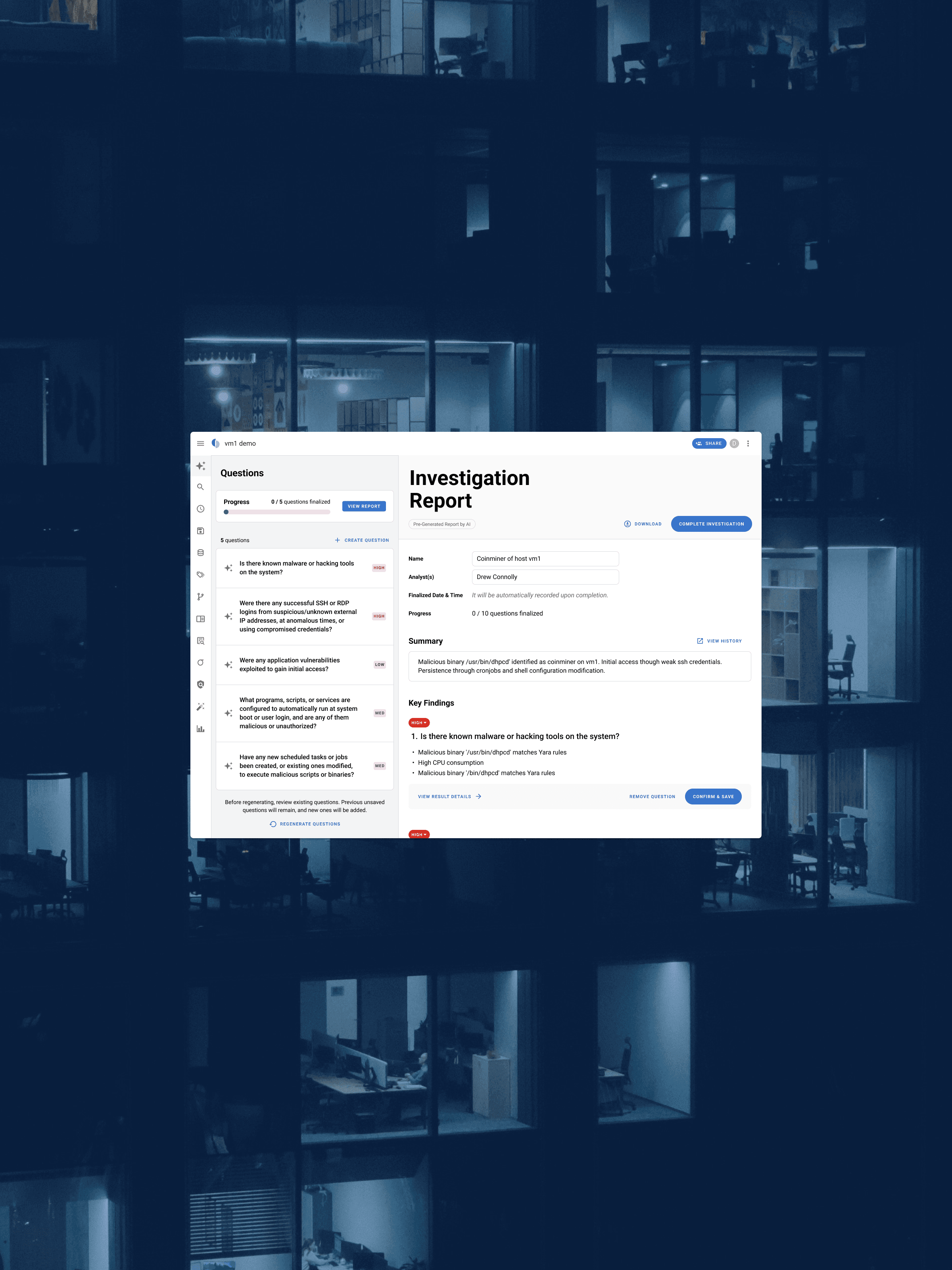
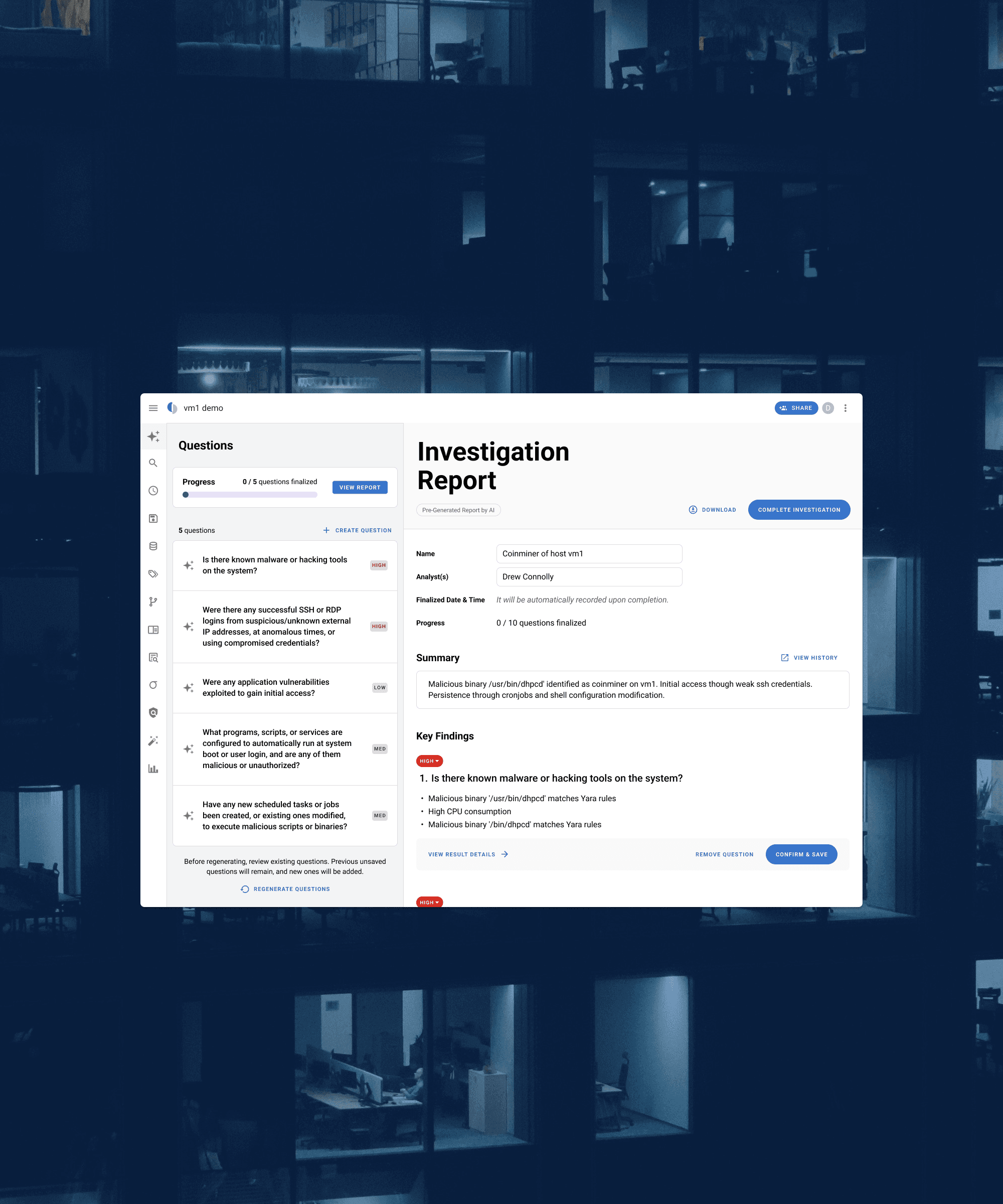
Google TimeSketch
Lead UX Researcher and Designer
2 months · 2025
AI Design / UX Research / Enterprise SaaS / Usability Testing
What is TimeSketch?
TimeSketch is Google's open-source platform for digital forensic investigations. Analysts use the platform to investigate security incidents, but the process is time-intensive. They spend hours manually combing through thousands of raw log events before forming a single conclusion.
The Opportunity
Google introduced an AI layer to change that: pre-processing the data and generating a draft investigation report so analysts validate findings rather than build from scratch. Before shipping, they needed to know whether analysts would trust it enough to use it in practice.
My role
I led the research and design for this engagement at DEPT, working with 10 forensic analysts over 2 months to validate the feature and surface the design changes needed to earn that trust.
Impact
80% confirmed product-market fit. The updated design shipped into Google Sec-Gemini.
Research
Running the research
I scoped the research engagement with the Google team, designing a moderated usability study structure and defining three questions that would determine whether the feature was ready to ship:
Three questions guided our focus:
How do analysts perceive the AI feature?
How would analysts use the AI feature?
Does the design solve the problem and make their workflow more efficient?
Building the prototype
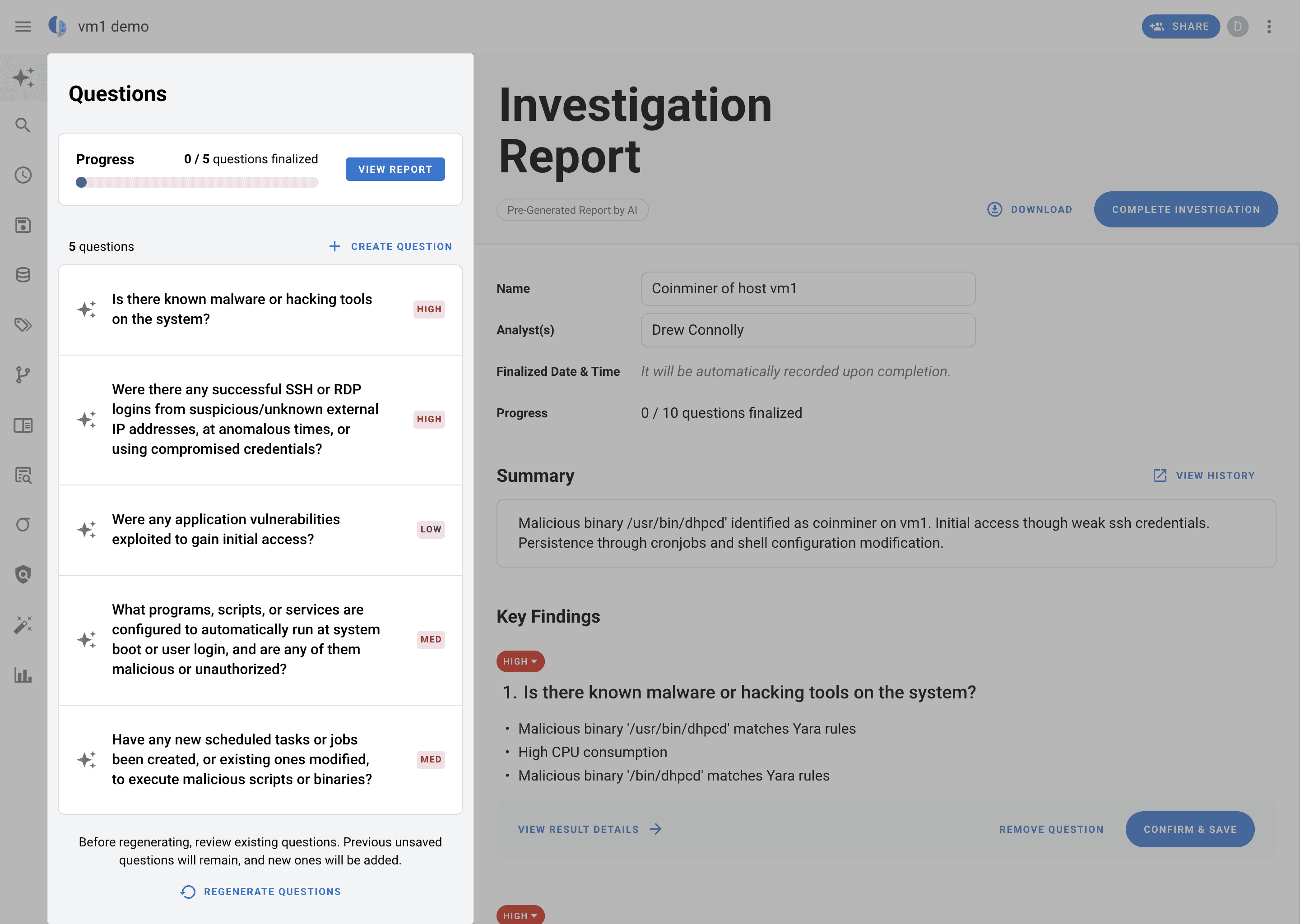
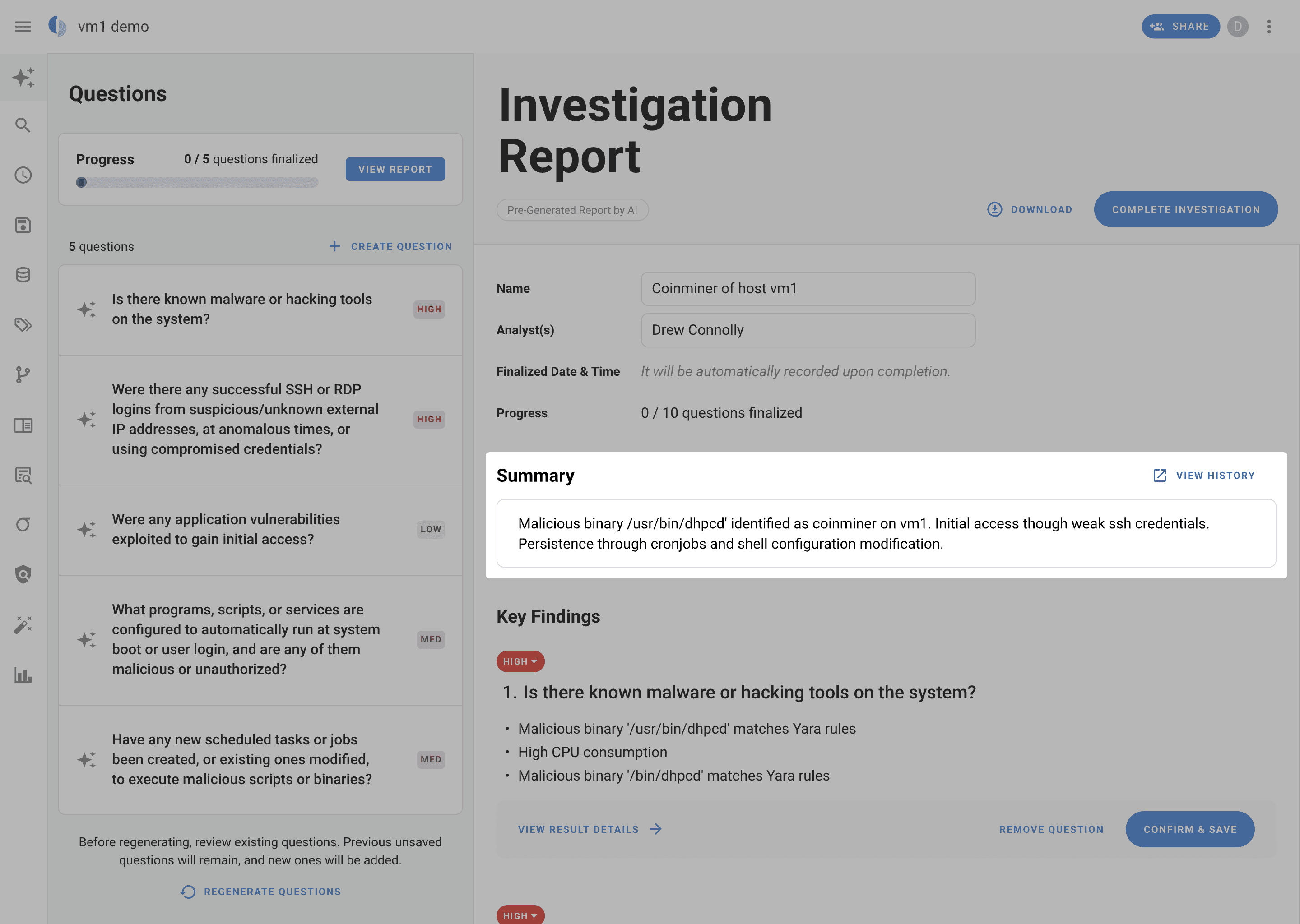
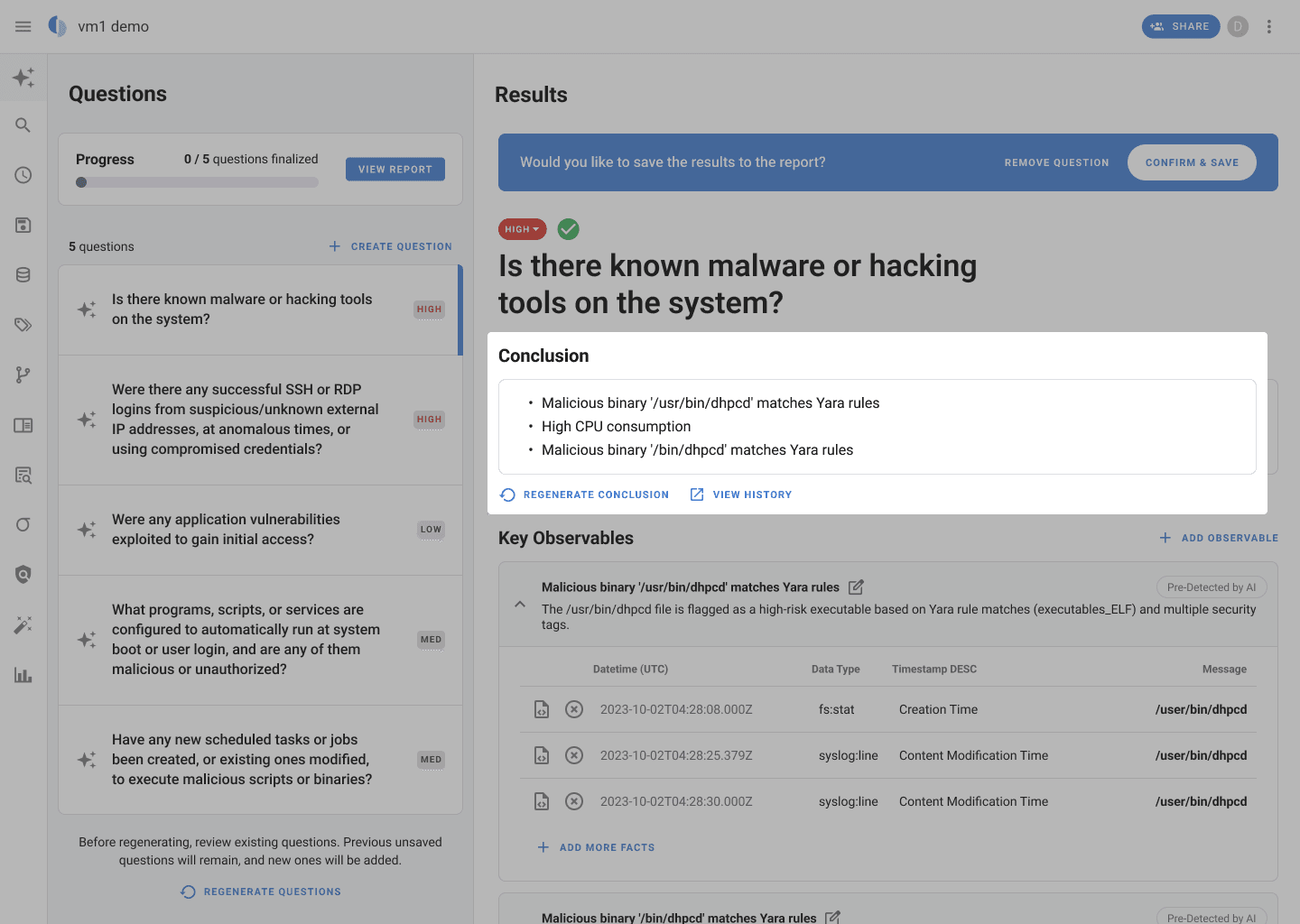
Before testing, I built a prototype using Google's existing design to help us understand how analysts would interact with four core AI-driven capabilities in a realistic scenario: investigating a suspected cryptocurrency miner attack on a virtual machine.
Testing
We ran 10 moderated usability sessions with forensic analysts from Google's security response team, 5 conducted by me, 5 by my teammate independently. Each session had participants walk through the prototype, followed by a post-test survey.
I synthesized the findings using NotebookLM to surface key insights and quotes, and affinity mapping to organize observations across four clusters: how analysts perceive AI, what's working, what's creating friction, and open questions for the next iteration.
Findings
What analysts told us
AI is a helpful assistant
"It did a lot of initial investigation steps that take a lot of time. I want AI to come and help me every day."
Users view AI as a powerful investigative assistant that accelerates their workflow by automatically summarizing data, surfacing key artifacts, and proposing initial questions. This frees them to focus their expertise on strategic analysis rather than time-consuming manual work.
80%
agreeing or strongly agreeing "The use of the AI feature is applicable in my day to day work.”"
70%
agreeing or strongly agreeing "“I am satisfied with the functionality of the AI feature.”
User trust is built on validation and control
"I would never trust any AI-generated results without human oversight. I need to know who generated this. Is it AI or is it a human?"
Users have consistently expressed a critical need to confirm any AI-generated conclusions by easily tracing them back to the original sources of evidence. To feel confident in the report and own the narrative, they also expect to have final control, including the ability to edit or override any AI suggestions to ensure that the report meets their standards for professional integrity.
87.5%
expressed either neutrality or disagreement regarding their trust in the AI's output.
90%
participants that validating AI results is a necessary and core step in their workflow.
Iterations
Design iteration #1
Analysts need to know what information has been human-vetted.
Design iteration #2
Analysts need to distinguish between human-created content and AI-generated content.
Design iteration #3
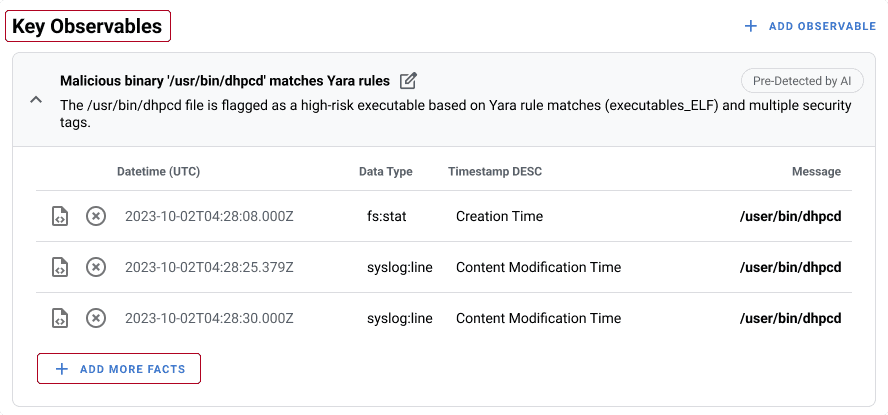
Analysts couldn't tell the difference between a Conclusion, an observable, and a Fact.
Design iteration #4
Investigations are iterative. Analysts rarely reach a clean finish line.
Build
Building it with the engineering team
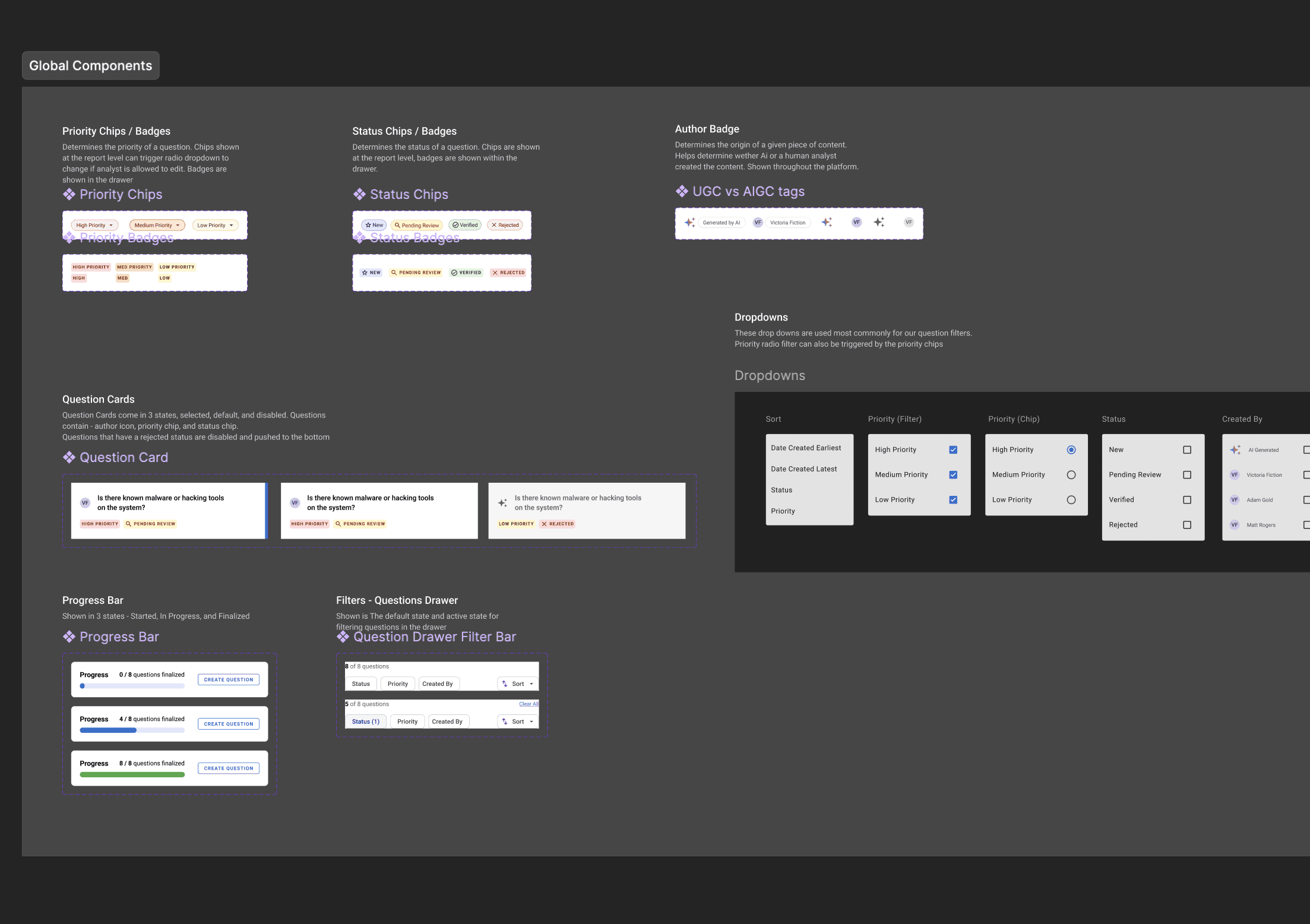
I worked closely with the engineering team to build and ship a set of new global components, including status chips, question cards, and the progress bar, delivered within a month.
Learnings
As AI takes on more, protecting human agency becomes the design challenge.
As AI becomes embedded in high-stakes workflows across security, healthcare, and finance, the challenge is no longer whether AI can assist people. It's how to keep people meaningfully in control. That means making AI outputs auditable, creating clear review points, and ensuring people can question, edit, or override recommendations when needed. The goal isn't to remove humans from the process. It's to help them make better decisions with greater confidence.